
On your computer
Miloop on your computer too
Open Miloop in your browser with the same account and manage your pet's vaccines, appointments and expenses on a big screen. Everything syncs with your phone.
Open Miloop in your browser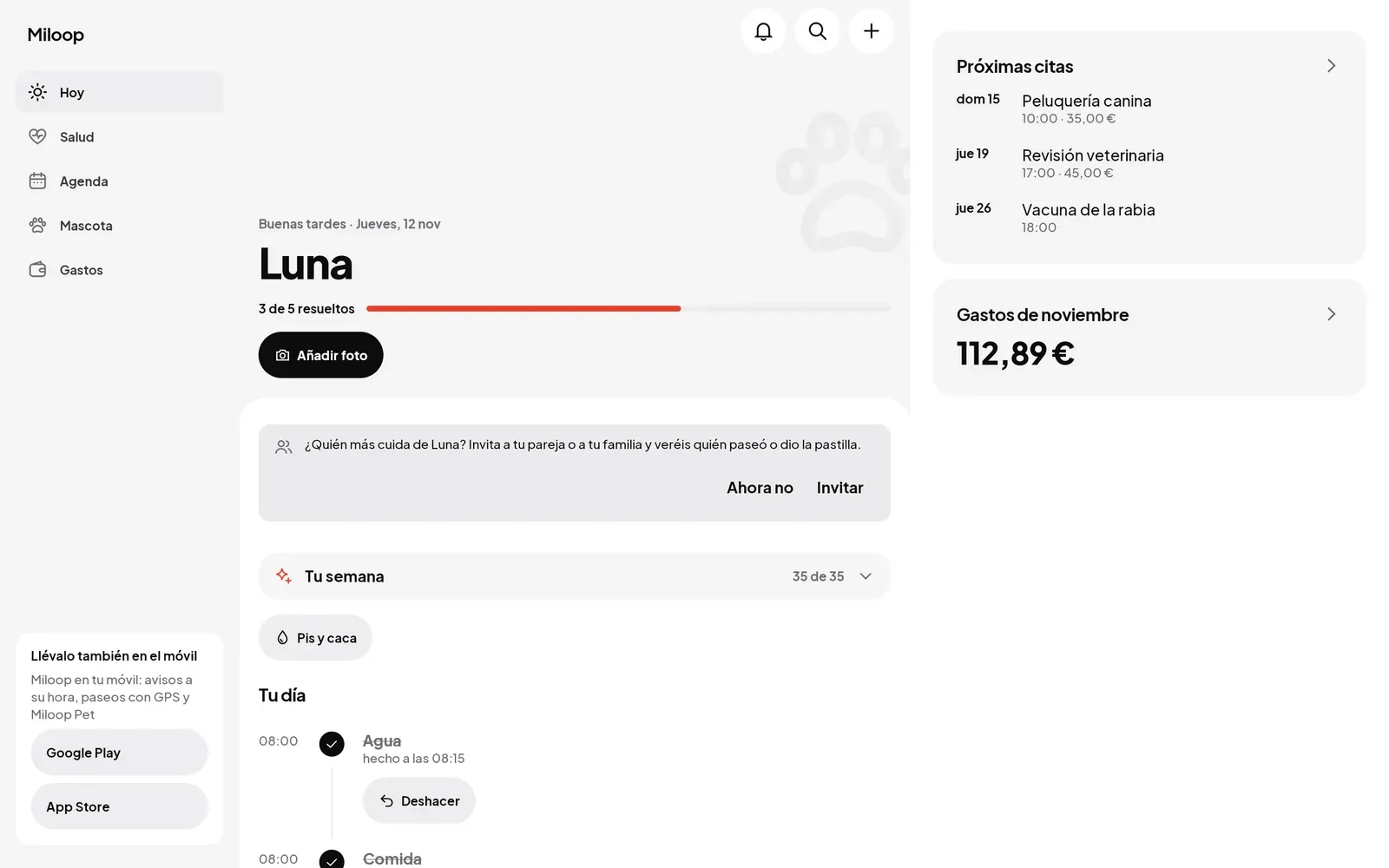
Today, with the day's care
Walks, meals and medication in a single list. Mark something as done from your computer and everyone at home sees it straight away.
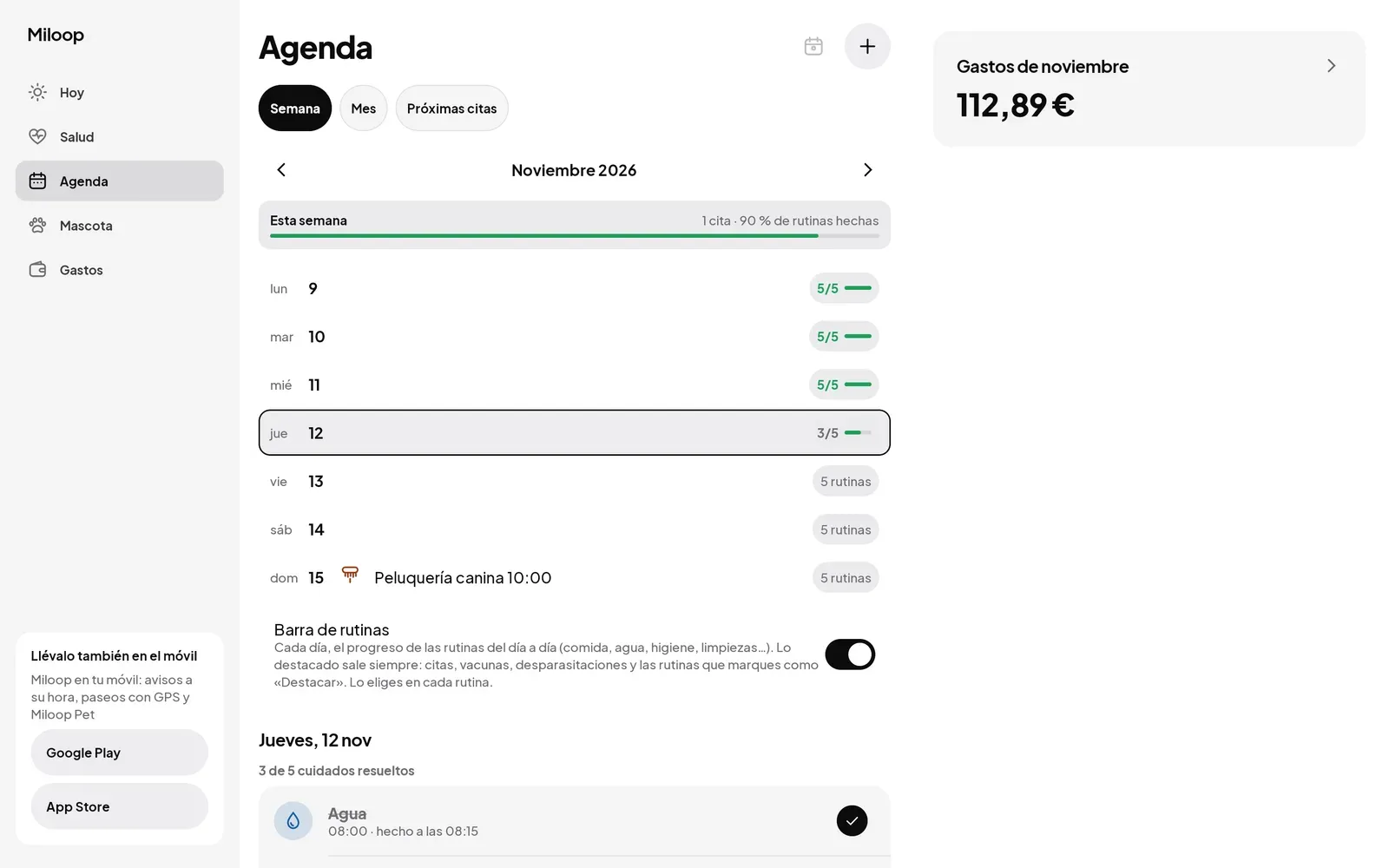
Calendar by week or month
See vet appointments, upcoming vaccines and treatments at a glance. A side panel always shows what's coming up next.
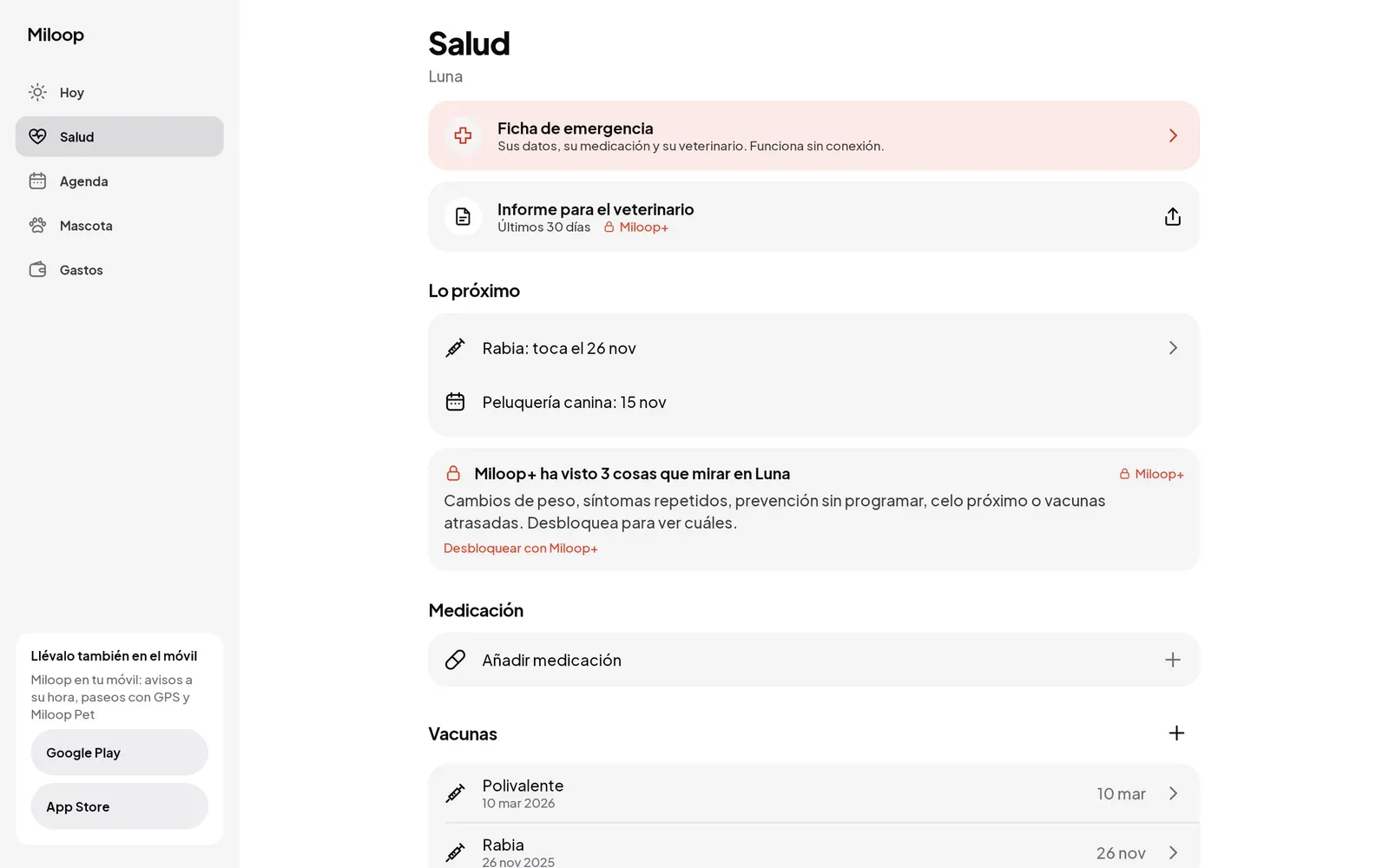
Health, with vaccines and medication
The vaccine history, current medication and the emergency card, ready to check or to copy details from when you fill in a form.
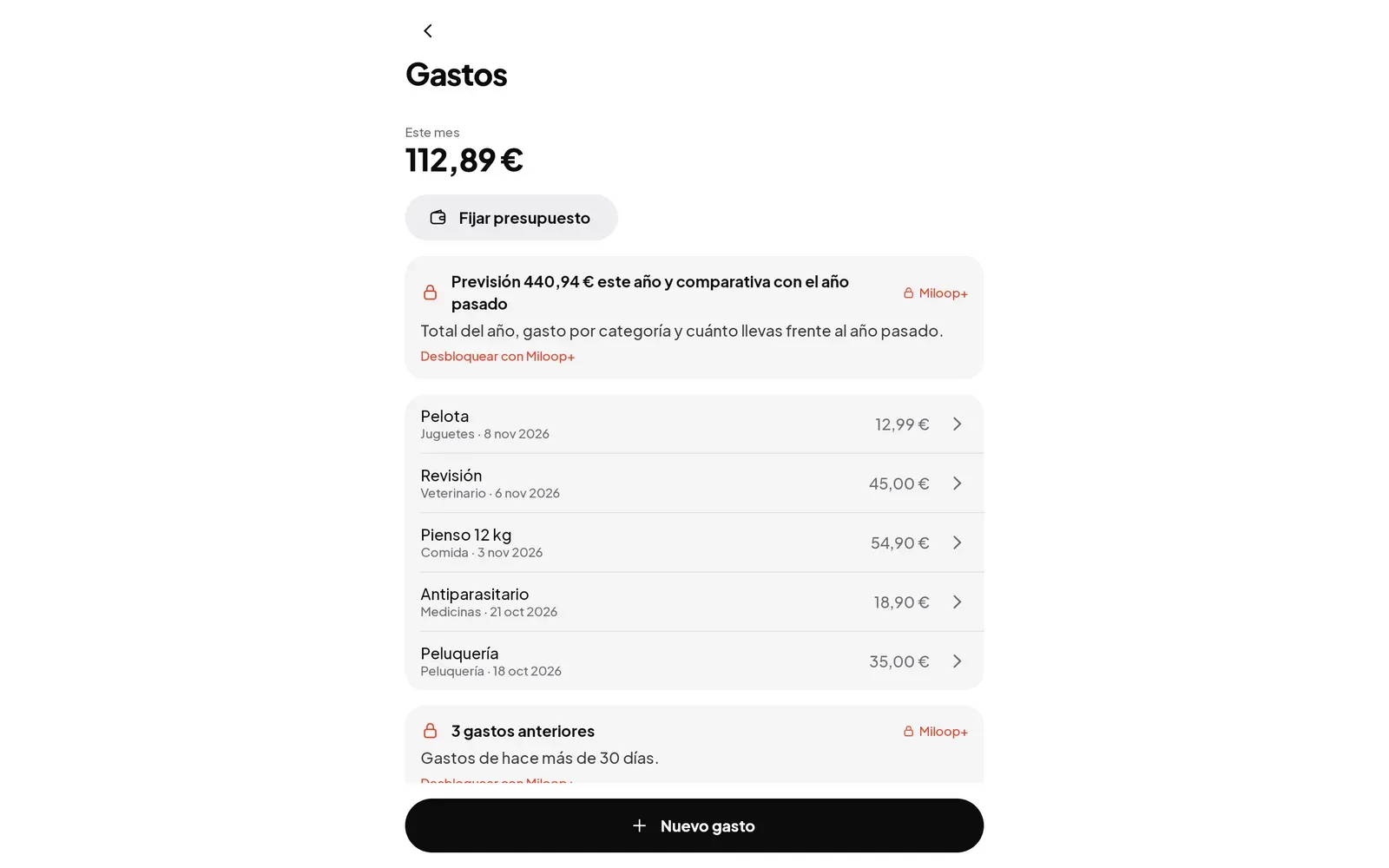
Monthly expenses
Vet, food, pharmacy: log each expense and see how much you've spent this month. It's a lot easier with a keyboard than with your thumb.
Same account, everything synced
Sign in with Google, Apple or your email, the same account as on your phone. What you log in one place shows up in the other in real time.
Free, and Miloop+ works on both
Using Miloop in your browser costs nothing. If you get Miloop+ on the web, it also works in the phone app.
How it works
- Open Miloop in your browser and sign in with Google, Apple or your email, using the same account as on your phone.
- Check Today, the calendar, health and expenses for your pets.
- Get the app too: reminders, GPS walks, widgets and Miloop Pet stay on your phone.
FAQ
Can I use Miloop on my computer?
Yes. Open zuritatech.com/miloop/app in your browser, sign in with Google, Apple or your email and you'll see the same as on your phone: Today, calendar, health and expenses.
Is it the same account as on my phone?
Yes. With the same account everything syncs in real time between your computer and your phone, with nothing to move by hand. You need to sign in to use it.
What stays on the phone only?
Vaccine and medication reminders, GPS walks, widgets and Miloop Pet. That's why it's worth having the app installed too.
Does it cost anything? And Miloop+?
Using it in your browser is free. If you get Miloop+ on the web, it also works in the phone app with the same account.
Your pet, and your peace of mind
Free on Android and iPhone. Miloop+ for those who want more.
Now available on Google Play and the App Store
Free on Android and iPhone. No card needed to start.